Write once, reach thousands more on LinkedIn
Turn every newsletter article into an opportunity to build authority on LinkedIn, with no manual rewriting. Import an article or paste your text, generate a platform-specific draft, and refine it in minutes, without starting from a blank page.
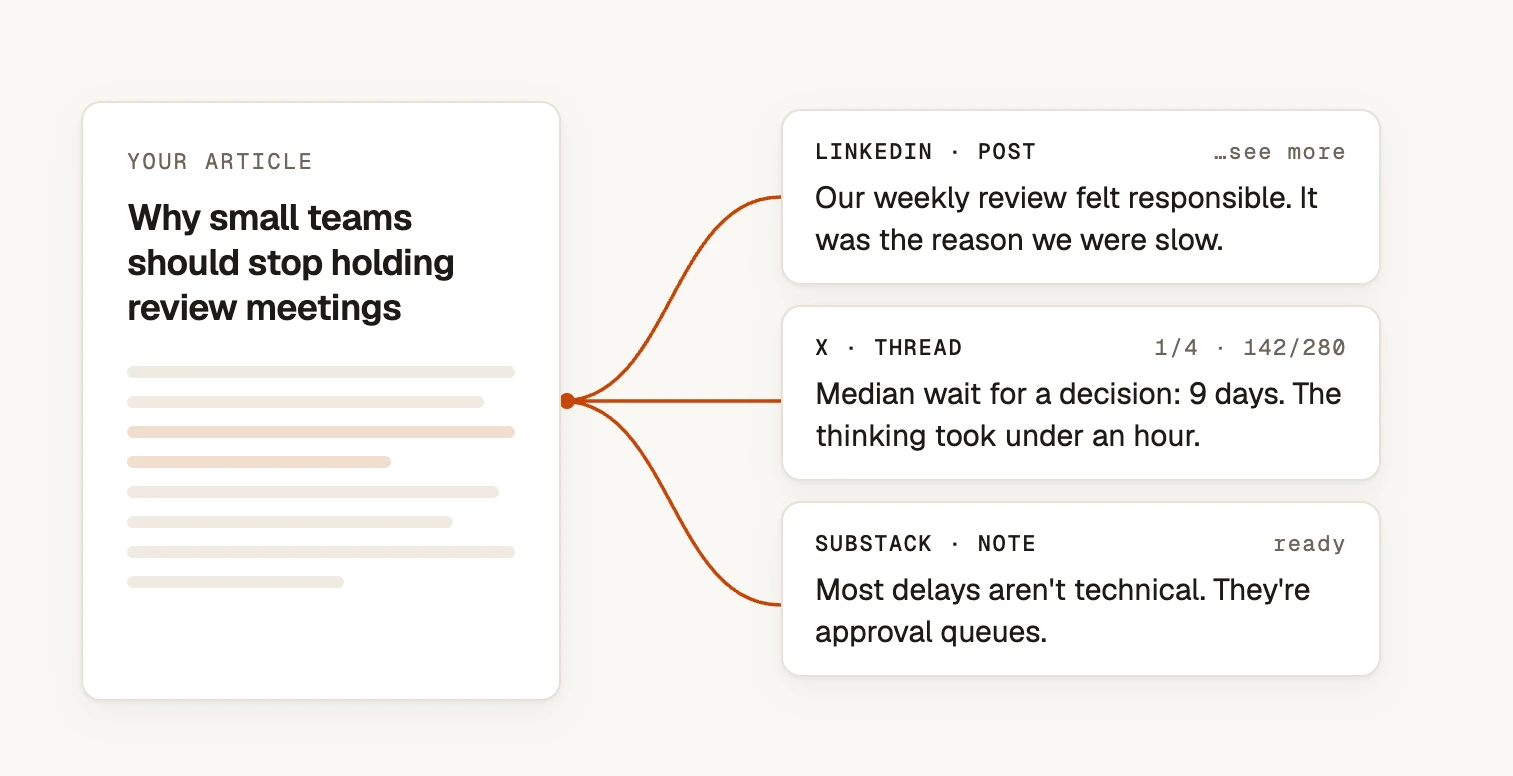
You've already done the hard work: researching an idea, developing your argument, and publishing your newsletter. But that doesn't mean the article's reach has to end there.
LinkedIn gives you another way to put those ideas in front of your audience. The challenge is adapting your writing for a professional social feed without spending another hour rewriting it.
A newsletter article and a LinkedIn post aren't just different lengths of the same content. They follow different conventions. Newsletters can develop an argument over several paragraphs, while LinkedIn posts need to communicate their core idea quickly in a scrolling feed. Formatting, opening hooks, paragraph structure, and the conversational norms of each platform all influence how the content is received.
That's why repostAI is designed to do more than summarize your article. Its AI takes the destination platform into account when adapting your content, helping transform the original idea into a post that feels natural on LinkedIn while preserving its core message and intent.
repostAI helps you turn existing newsletter content into LinkedIn posts, so you can spend less time rewriting and more time developing ideas worth sharing.
Here's how it works, using a real newsletter article as an example.
Turn your newsletter into a LinkedIn post in three steps
1. Start with the newsletter article you've already published
You don't need to copy your article into a separate document and start rewriting it manually.
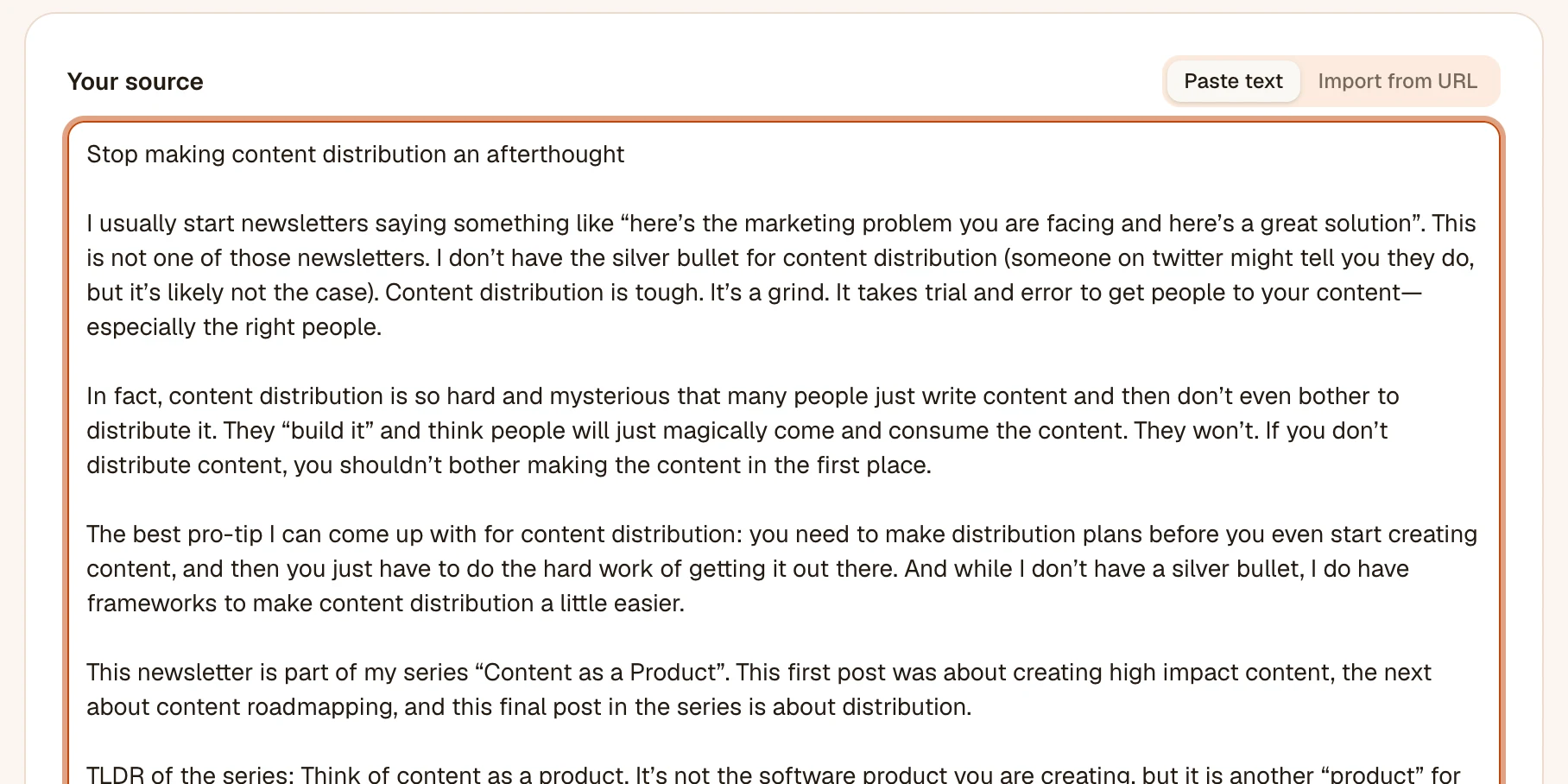
With repostAI, you can import text from a public article URL or paste the article's text directly. This gives you a starting point for repurposing content you've already created.
For example, let's use Emily Kramer's Stop making content distribution an afterthought, published by MKT1.
The article explores why content distribution deserves deliberate planning rather than being treated as an afterthought. It's a useful example of the kind of substantive newsletter content that can be adapted into standalone LinkedIn posts.
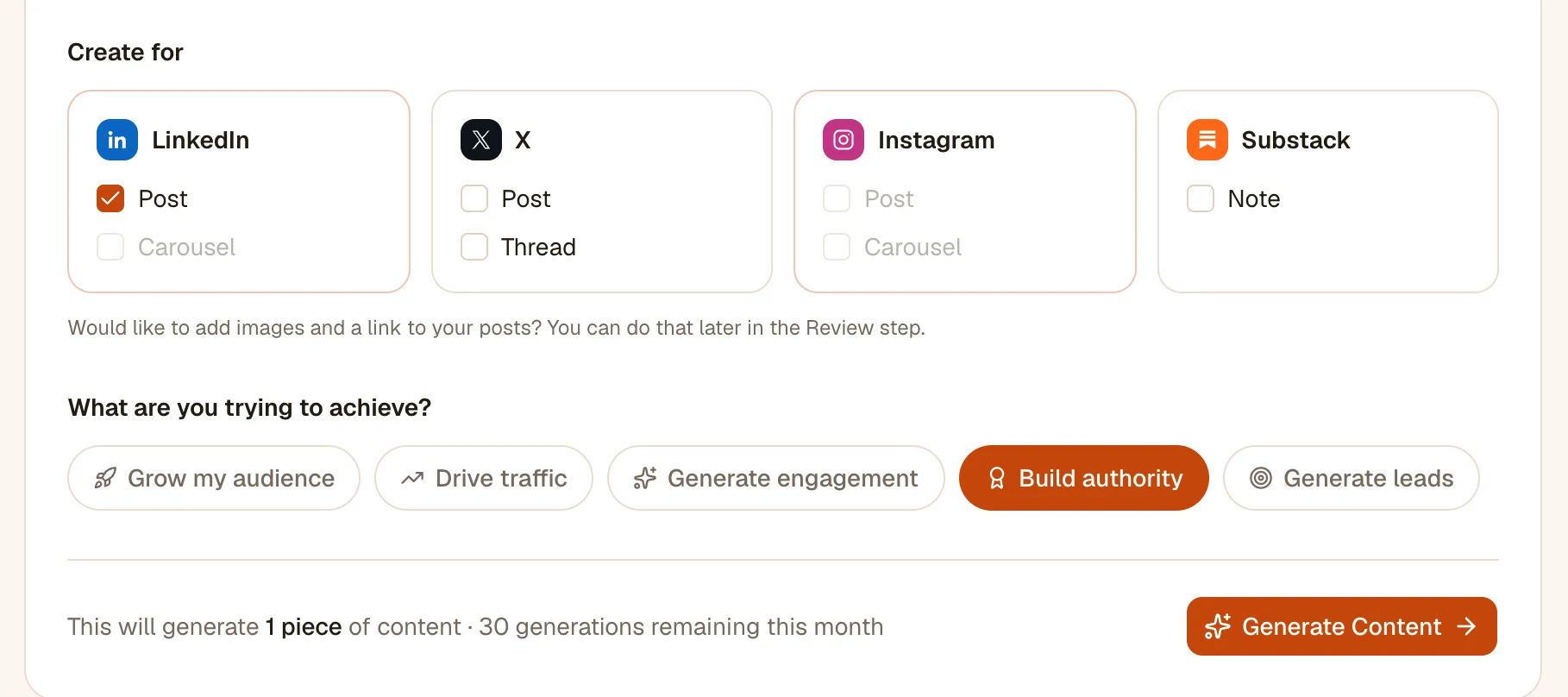
2. Let repostAI generate a LinkedIn-specific draft
A newsletter article and a LinkedIn post serve different reading contexts. Simply copying the original article into LinkedIn doesn't necessarily produce a post that feels natural in the feed.
repostAI helps bridge that gap by adapting the source content for the selected platform.
Rather than asking you to summarize the article yourself, the workflow starts with your existing content and generates a LinkedIn post you can work with.
Using Kramer's article as our example, the goal isn't to reproduce the whole discussion about content distribution. It's to identify a useful idea within it and develop that idea into a standalone post.
3. Review, edit, and make the post your own
AI-generated content should be a starting point, not an automatic substitute for editorial judgment.
Once repostAI generates the draft, review the opening, structure, tone, and accuracy. Adjust the wording where necessary, add your own perspective, and make sure the post reflects the point you actually want to communicate.
You retain control over the final result. The aim is to remove the repetitive work of getting from a finished article to a usable first draft, not to take your voice out of the process.
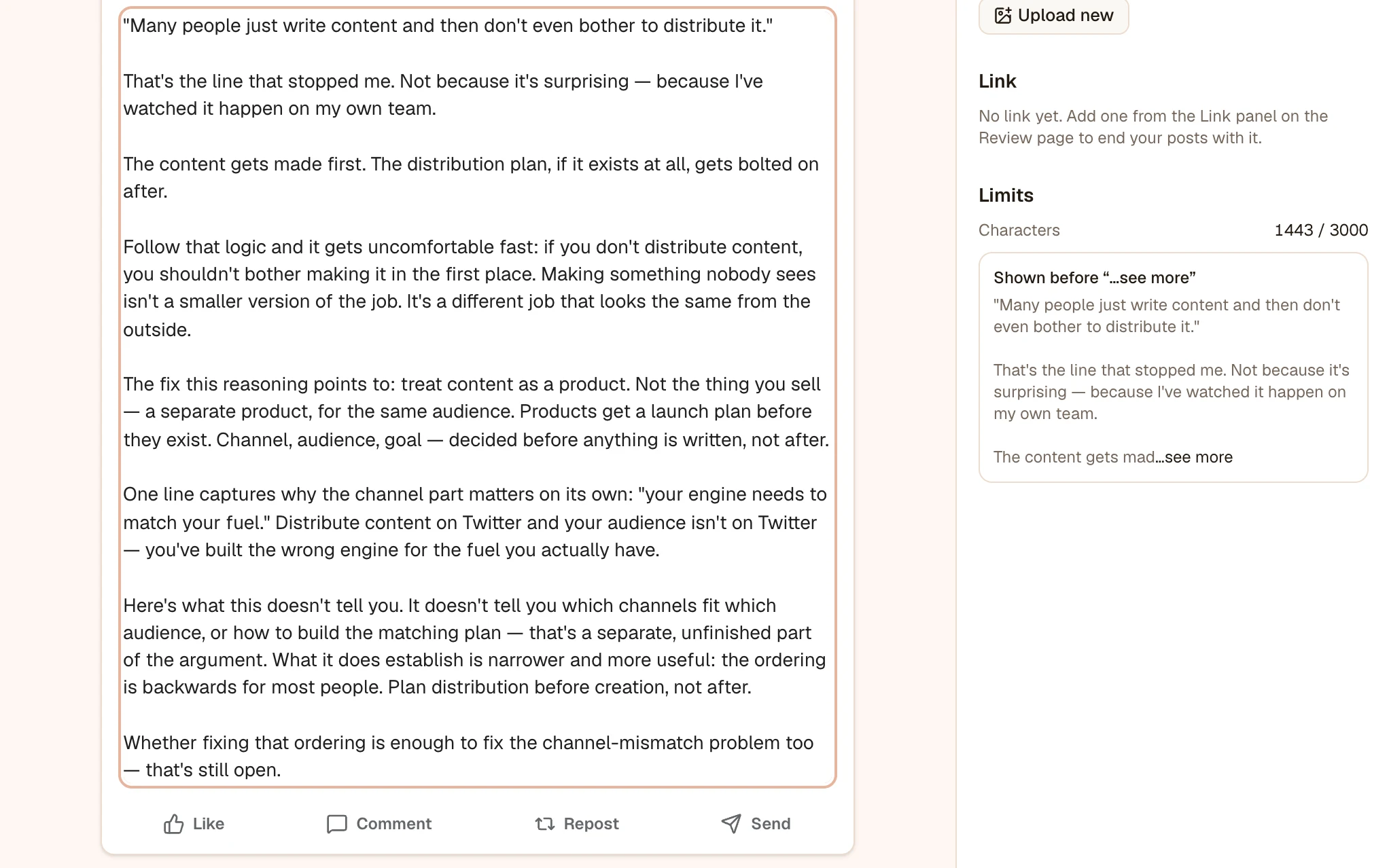
See what a newsletter-to-LinkedIn transformation looks like
Let's return to Emily Kramer's article.
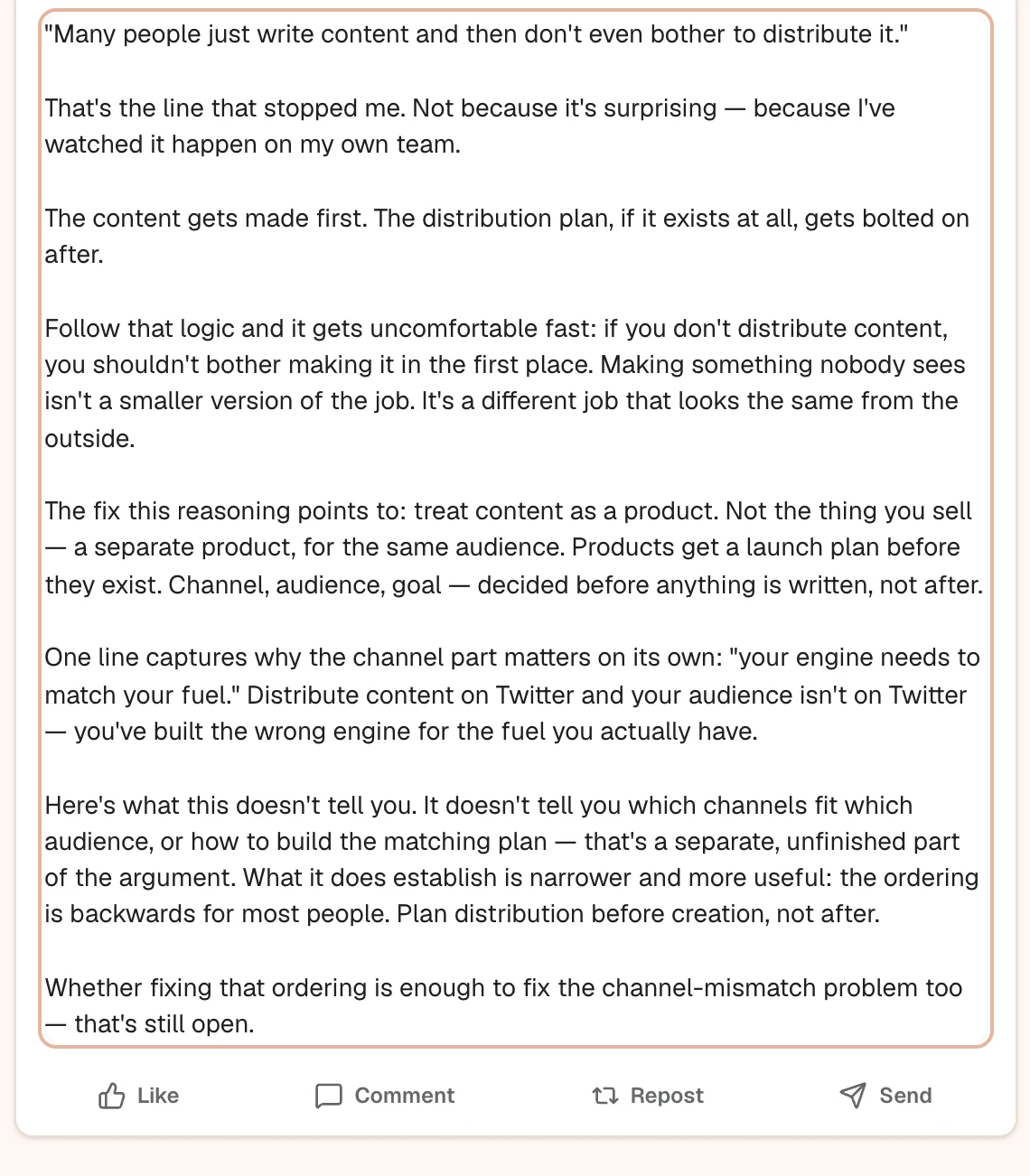
The article's central theme is that publishing content and distributing it are connected activities. Here is the LinkedIn post repostAI wrote from it, next to the idea it started from.
Before · the newsletter
Stop making content distribution an afterthought
Emily Kramer · MKT1 Newsletter
A long-form piece arguing that distribution deserves as much effort as creation: plan how a piece will reach people before you start writing it, and match your channels to your content and your audience.
Summary of the source idea, in our words.
After · the LinkedIn post
"Many people just write content and then don't even bother to distribute it."
That's the line that stopped me. Not because it's surprising — because I've watched it happen on my own team.
The content gets made first. The distribution plan, if it exists at all, gets bolted on after.
Follow that logic and it gets uncomfortable fast: if you don't distribute content, you shouldn't bother making it in the first place. Making something nobody sees isn't a smaller version of the job. It's a different job that looks the same from the outside.
The fix this reasoning points to: treat content as a product. Not the thing you sell — a separate product, for the same audience. Products get a launch plan before they exist. Channel, audience, goal — decided before anything is written, not after.
One line captures why the channel part matters on its own: "your engine needs to match your fuel." Distribute content on Twitter and your audience isn't on Twitter — you've built the wrong engine for the fuel you actually have.
Here's what this doesn't tell you. It doesn't tell you which channels fit which audience, or how to build the matching plan — that's a separate, unfinished part of the argument. What it does establish is narrower and more useful: the ordering is backwards for most people. Plan distribution before creation, not after.
Whether fixing that ordering is enough to fix the channel-mismatch problem too — that's still open.
The example shows the intended outcome: a focused, standalone LinkedIn post developed from a longer article, rather than a shortened copy of the original.
With repostAI, you can use your own newsletter article as the source, generate a LinkedIn draft, and refine it before publishing.
Why use repostAI to repurpose newsletters for LinkedIn?
You could rewrite every newsletter into a LinkedIn post manually. For writers who publish occasionally, that may be perfectly reasonable.
But if you're regularly producing long-form content, the process can become repetitive: revisit the article, identify the main idea, write a new opening, restructure the argument, and edit the result for another platform.
repostAI is designed to make that workflow more efficient.
- Start with content you already have. Work from an existing article instead of beginning with a blank page.
- Generate for the destination platform. Create a LinkedIn-specific draft rather than relying on a generic summary of your newsletter.
- Keep control of the final copy. Review and edit the result before using it.
- Get more mileage from your ideas. Give the strongest ideas in your newsletter another opportunity to reach your audience.
The benefit isn't publishing more for its own sake. It's making it easier to distribute the ideas you've already invested time in creating.
Who is this workflow for?
Turning newsletters into LinkedIn posts can be useful if you're:
- A newsletter writer who wants to reach readers beyond your subscriber list.
- A founder or independent consultant who publishes articles but struggles to maintain a consistent LinkedIn presence.
- A content marketer looking for a more repeatable way to distribute blog posts and newsletters.
- A creator or thought leader who wants to adapt existing ideas for different audiences without rewriting everything from scratch.
If you already have useful ideas in your newsletter archive, you have a starting point for your next LinkedIn post.
Frequently asked questions
Can I turn a newsletter into a LinkedIn post with AI?
Yes. An AI content-repurposing tool like repostAI can use your newsletter as source material and generate a LinkedIn-specific draft. You should still review the result for accuracy, voice, and relevance before publishing.
Can I use a Substack article as the source?
Yes. You can import an accessible article URL or paste the article text into repostAI. If the page is paywalled or can't be reached by the URL importer, paste the text you have permission to use.
Will repostAI copy my newsletter word for word?
No. The goal is to adapt your source content for the selected platform, not to duplicate it. Always review the generated draft to make sure it preserves your intended meaning and voice.
Can I edit the LinkedIn post before publishing?
Yes. repostAI lets you review and edit the generated post, with a preview of how it will look on LinkedIn. You can then publish it directly to your LinkedIn profile or copy it.
Do I need to publish every newsletter on LinkedIn?
No. Start with articles that contain useful, relevant ideas for your LinkedIn audience. Repurpose selectively rather than creating more posts simply to maintain a publishing schedule.
Turn your next newsletter into a LinkedIn post
Your next LinkedIn post doesn't have to start from a blank page. Bring an existing article into repostAI, generate a LinkedIn-specific draft, and refine it into something worth sharing.
Google sign-in · 7-day free trial · No credit card required